Save Any Image as PNG in One Click
The ultimate browser extension to save images from any website as high-quality PNG files. No more format conversion headaches.
Why Choose Save Image as PNG?
One-Click Export
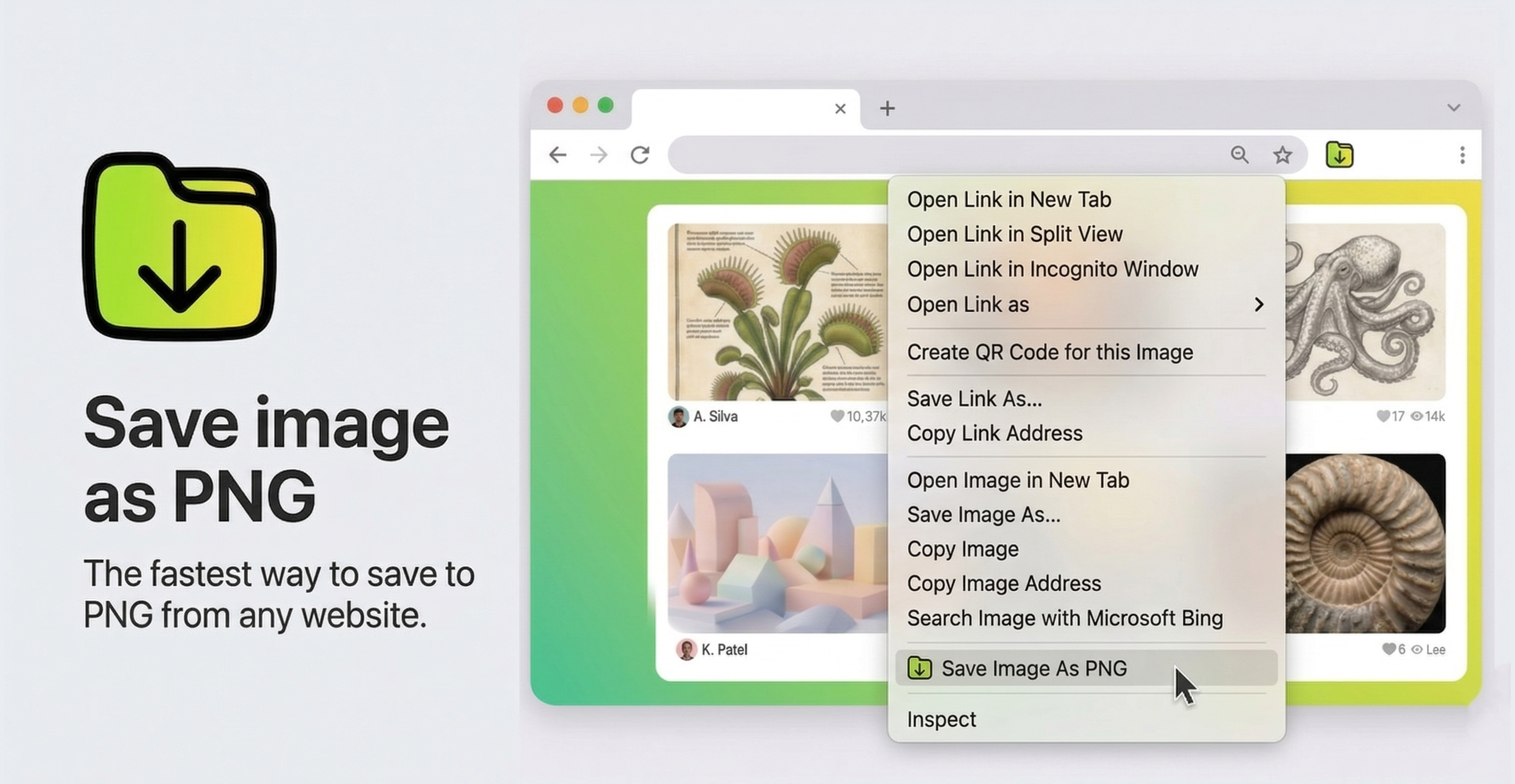
Right-click any image and save it as PNG instantly. No more complex conversions or quality loss.
High Quality
Preserve image quality with lossless PNG format export. Perfect for screenshots and graphics.
Browser Native
Works directly in your browser. No cloud processing, no uploads, no waiting.
Always Free
100% free with no premium upsells or subscriptions. No account required.
Why Save as PNG?
PNG is the preferred format for web professionals because it offers lossless compression, supports transparent backgrounds, and maintains crisp quality across all devices and screen resolutions.
Lossless Quality
Unlike JPEG, PNG never degrades image quality. Every screenshot, graphic, and photo you save maintains its original clarity, even after multiple edits and saves.
Transparent Backgrounds
PNGs support alpha channels with 256 levels of transparency, making them ideal for logos, icons, UI elements, and any design assets that need transparent backgrounds.
Easy to Edit
PNGs preserve all image data, making them perfect for further editing in Photoshop, Figma, Sketch, or Canva without the quality loss associated with JPEG compression.
Web Ready
PNGs display sharply on any device, including retina screens and high-DPI displays. Your images will always look professional and crisp on any platform.
How It Works
Get started in three simple steps. No account, no setup, no hassle.
Install the Extension
Add Save Image as PNG to your Chrome or Firefox browser from the official store. It takes less than 30 seconds.
Browse Any Website
Navigate to any webpage containing images you want to save. Our extension works on virtually all websites.
Right-Click and Save
Simply right-click on any image and select 'Save Image as PNG'. Your image downloads instantly in PNG format.
Save Image as PNG vs. Browser's Native Save
Why use our extension instead of your browser's built-in save function?
| Feature | Browser Native Save | Save Image as PNG |
|---|---|---|
| Format Conversion | No - saves in original format | Yes - converts to PNG automatically |
| Quality for JPEG images | Lossy compression applied | Lossless PNG conversion |
| Resize on save | No | Yes - configurable max dimensions |
| Works on all sites | Yes | Yes - handles CORS automatically |
| Context menu integration | Basic 'Save Image As' | Dedicated 'Save as PNG' option |
Perfect For Anyone Who Works With Images
Whether you're a designer, developer, blogger, researcher, or student, Save Image as PNG makes image handling effortless and ensures you always have the highest quality files.
Designers
Save design assets, UI screenshots, mockups, and reference images instantly. Build a well-organized library of high-quality PNG files for all your creative projects.
Developers
Grab screenshots, icons, diagrams, and graphics from documentation, tutorials, and websites. Perfect for README files, project documentation, and development assets.
Bloggers & Writers
Save featured images, infographics, charts, and graphics for your articles and social media. Create consistent visual content without worrying about format compatibility.
Researchers
Collect and organize image data from academic papers, scientific websites, and online resources. Maintain high-quality archives for your research and publications.
Students & Educators
Save diagrams, charts, educational illustrations, and visual aids for presentations, reports, and online courses. Keep study materials organized and accessible.
Built With Privacy and Performance in Mind
Our extension processes everything locally in your browser, ensuring your images never leave your device while providing fast, reliable image conversion.
100% Private & Secure
Your images are processed entirely within your browser using HTML5 Canvas technology. Nothing is ever uploaded to any server. Your privacy is completely protected.
Automatic CORS Handling
The extension automatically handles cross-origin resource sharing (CORS) issues that prevent saving images from other domains. No manual configuration needed.
Lossless Canvas Conversion
Images are drawn to an HTML5 Canvas element and exported as PNG, ensuring consistent lossless quality regardless of the original format (JPEG, WebP, GIF, BMP, etc.).